Free official pack · no account needed
8-Bit Pixel Cursor Pack for Windows 11
A free, complete ten-state Windows cursor pack drawn as 8-bit pixel art. Blocky staircase edges, hard square pixels and a tight four-colour palette — charcoal, warm white, red-orange and sky blue — with no anti-aliasing and no gradients. It looks like it came from a cartridge, and it stays crisp at 32 pixels because every shape is built on the same grid.
All ten Windows cursor states
Every state in the pack, previewed on a neutral tile. The zip contains the matching .cur file for each one.
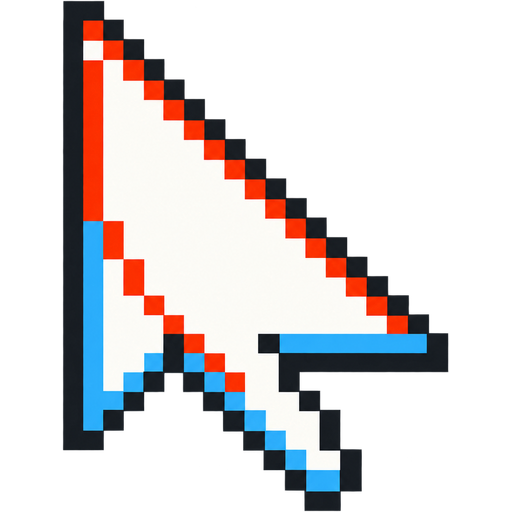
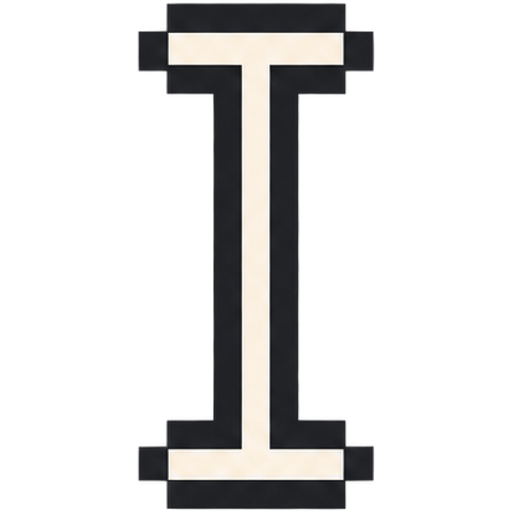
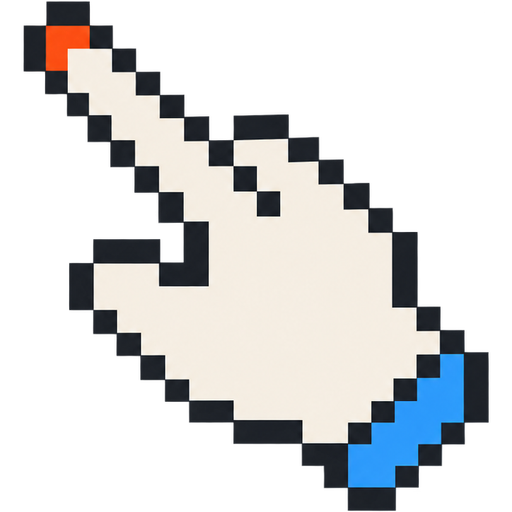


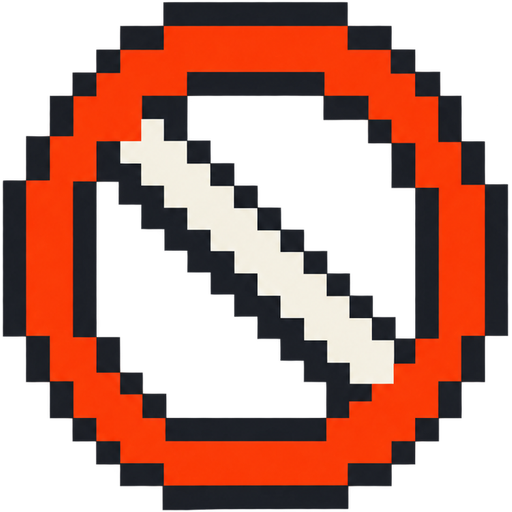
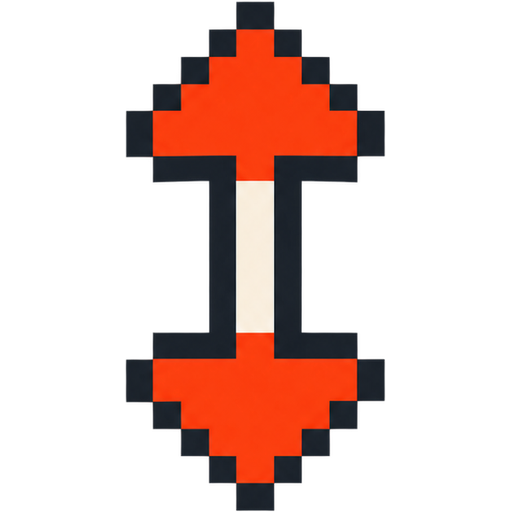

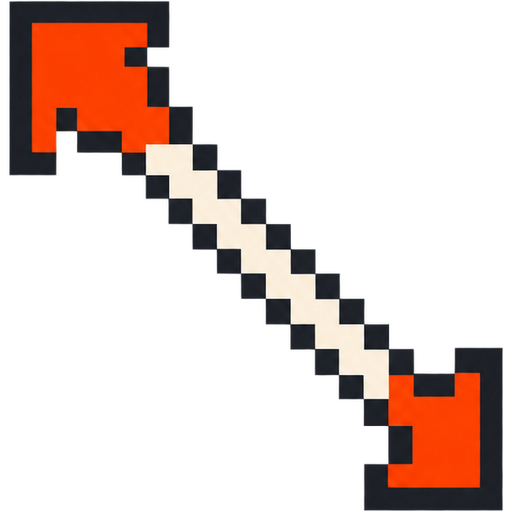
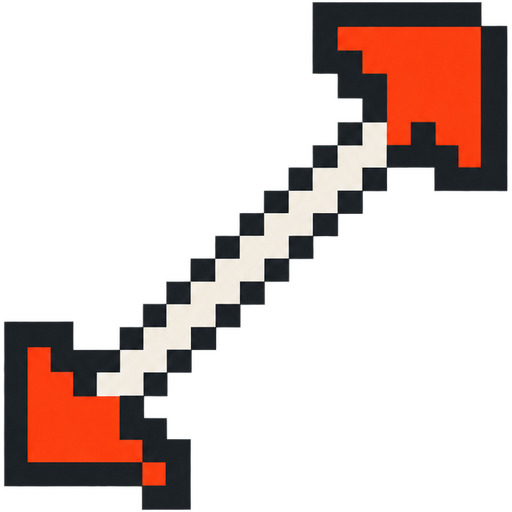
What you get in the 8-Bit Pixel pack
Ten separate .cur files covering all Windows cursor states: Normal Select, Text Select, Link Select, Busy, Precision Select, Not Allowed, and the four resize arrows. The busy state is a pixel hourglass instead of a smooth spinner, the resize arrows are stepped diagonals, and every state shares the same chunky one-pixel outline. Every cursor is exported at 32 px, the size Windows uses for the standard pointer scheme, so nothing is resampled before you install it. The download is a zip with an Install.cmd, a README and the ten cursor files.
Who it is for
Retro gaming setups, CRT-themed desktops, pixel-art wallpaper collections and developers who like an arcade feel without a full custom theme. The palette is deliberately small so the set reads as one piece, and the charcoal outline keeps each shape visible on both light and dark backgrounds. Because the artwork is pixel-snapped, it sits comfortably next to pixel fonts, 1-bit icons and low-resolution wallpapers without looking out of place.
How to install it on Windows 11
Download the zip, unzip it and double-click Install.cmd. Explorer restarts once while the scheme is registered, so expect a single screen flicker. Then open Mouse Properties (Win + R, type main.cpl), go to the Pointers tab, select Cursorhero 8-Bit Pixel and click Apply. No administrator rights are needed. Our Windows 11 install guide covers the same steps with screenshots.
Why pixel edges survive the 32 px downsample
Most cursor packs lose their look because smooth curves and soft shading collapse into a blur at 32 pixels. Pixel art avoids that: the edges are already steps, so there is nothing smooth to destroy. The AI prompt for this set explicitly forbids anti-aliasing, gradients and glow, which keeps the outline hard after Windows scales it. That is also why the pack ships a single crisp 32 px file per state instead of a soft high-resolution variant. If you want a different palette — Game Boy green, NES grey or a four-colour CGA look — the cursor generator can build it.
FAQ
Is the 8-Bit Pixel cursor pack free?
Yes. It is made by Cursor Hero and free to download — no account, no checkout and no credits. Custom packs are generated separately.
Does pixel art still look sharp at 32 pixels?
Yes. The artwork is built from blocky edges and a hard outline with no anti-aliasing, so the downsample keeps the steps instead of blurring them.
Does it work on Windows 10?
Yes. The cursor files and install script work on Windows 10 and 11; only the Mouse Properties wording differs slightly.
Can I request a different retro palette?
Yes. Describe the palette in the cursor generator, for example Game Boy green or a four-colour CGA set, and it builds all ten states in that style.
Download 8-Bit Pixel
One zip with ten .cur files, an Install.cmd and a short README. Free, no account, no email required.
More official cursor packs
Monochrome Minimal
Free 10-state black and white cursor pack for Windows 11: flat geometric shapes, solid black with a thin white keyline, crisp at 32 px.
View pack →Kawaii Pastel
Free 10-state kawaii cursor pack for Windows 11: glossy pastel pink and cream shapes with chunky heart and star accents and a deep-rose outline.
View pack →Neon Plasma
Free 10-state neon cursor pack for Windows 11: holographic cyan and magenta energy over a deep navy core, crisp silhouettes that read at 32 px.
View pack →CURSORHERO